How murf.ai Looks on Discord
85/100
Good
1 fix recommended
murf.ai has the basics in place, with a handful of fixes that would tighten things up. Open Graph, Twitter Card, and a favicon are all wired up. The previews below show exactly how a link to murf.ai looks on Discord.
Discord preview
◈
Discord
murf.ai
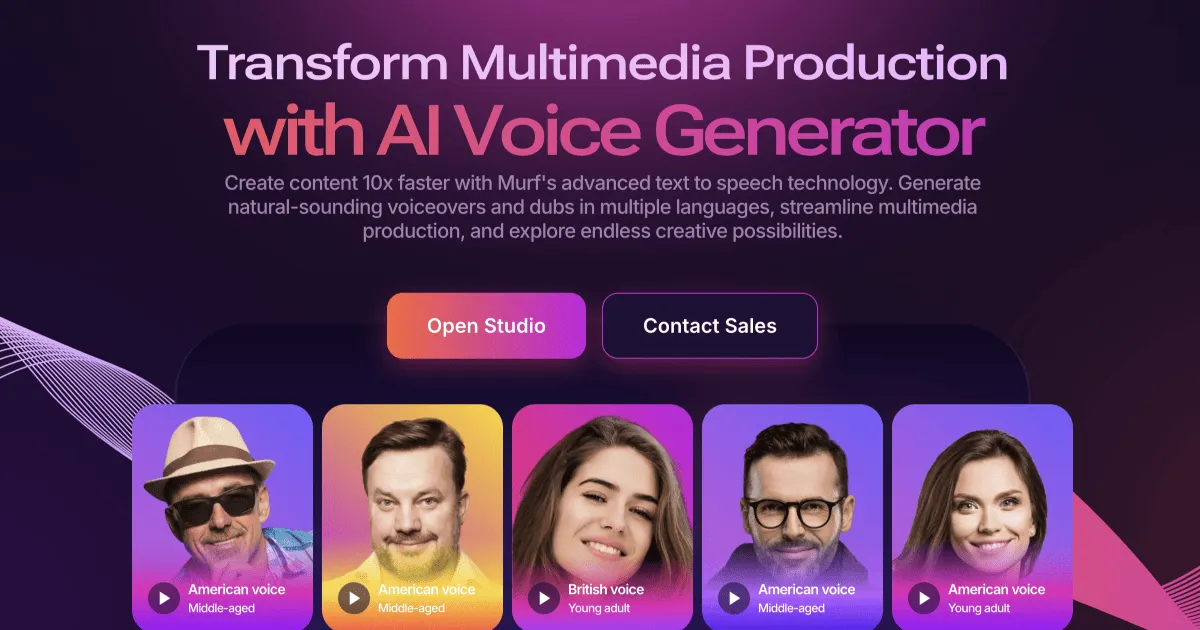
Leading AI Voice & Conversational Agent Platform - Murf AIGenerate human-like speech and deploy Conversational agents with Murf AI. The complete AI Voice platform trusted by 10 million+ developers, businesses, and creators.
Frequently Asked Questions
murf.ai sets
og:image but does not include og:image:width and og:image:height. Explicit dimensions let platforms render the preview faster without downloading the image first.See murf.ai on other platforms
Same domain, different platform-specific report.
Validate other sites on Discord
A handful of other domains scored on the same platform.
Validate your own URL
See how your site looks across all major social platforms - instantly, free, no signup.
Try LinkPreview.io